Comparison verdict
Gridinsoft Anti-Malware vs Malwarebytes: the practical difference
Short answer: choose Gridinsoft when the task is cleaning a Windows PC that already looks infected. Choose Malwarebytes when you want a broader multi-device security suite with web protection, mobile apps and optional VPN or identity features.
Why the comparison is not one-to-one: Gridinsoft is narrower and Windows-focused. Malwarebytes is a larger consumer security platform. That makes Malwarebytes broader, but not automatically better for a single infected Windows machine.
Best first choice: if the browser is hijacked, pop-ups are persistent, or suspicious programs remain after uninstalling, Gridinsoft is the more focused cleanup tool. If you are protecting several device types under one subscription, Malwarebytes is the more complete product family.
Official page: malware removal, real-time protection, scan workflow and a 6-day trial.
Gridinsoft trustOPSWAT Gold
OPSWAT lists GridinSoft Anti-Malware 5.x as Gold certified.
MalwarebytesSuite tiers
Malwarebytes plans cover antivirus features plus optional VPN and identity-related tiers.
Gridinsoft Anti-Malware and Malwarebytes are often mentioned together because both can scan a Windows PC, remove active malware and catch unwanted programs that a default setup may miss. But in 2026 they are different buying decisions.
Gridinsoft is best understood as a focused Windows malware removal and protection tool. Malwarebytes is now a broader consumer security brand with antivirus, browser protection, mobile apps, VPN and identity-protection tiers. The right choice depends less on brand familiarity and more on the job you need done.
Quick comparison
| Category | GridinSoft Anti-Malware | Malwarebytes |
|---|---|---|
| Main role | Windows malware scanner, remover and real-time protection layer | Antivirus suite with browser, mobile, VPN and identity options |
| Best for | Adware, trojans, browser hijackers, spyware, PUP cleanup | Multi-device protection, web protection, family plans, paid suite users |
| Platforms | Windows-focused | Windows, Mac, Android and iOS protection in Premium/Standard plans |
| Free use | 6-day full trial with cleanup | Free cleanup scanner; 14-day full-featured trial for antivirus |
| Browser help | Browser reset and hijacker cleanup tools | Browser Guard extension with scam, ad and tracker blocking |
| Extra services | Online reputation/file tools, support-assisted cleanup workflow | VPN, identity protection and personal data remover in higher plans |
| Best first choice | Infected Windows PC that needs cleanup now | User who wants one subscription across several device types |
GridinSoft Anti-Malware in 2026
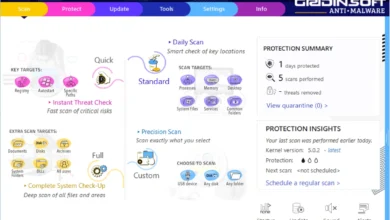
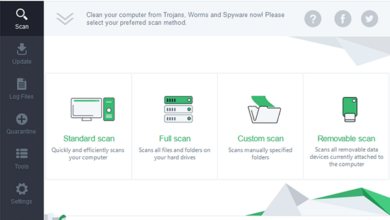
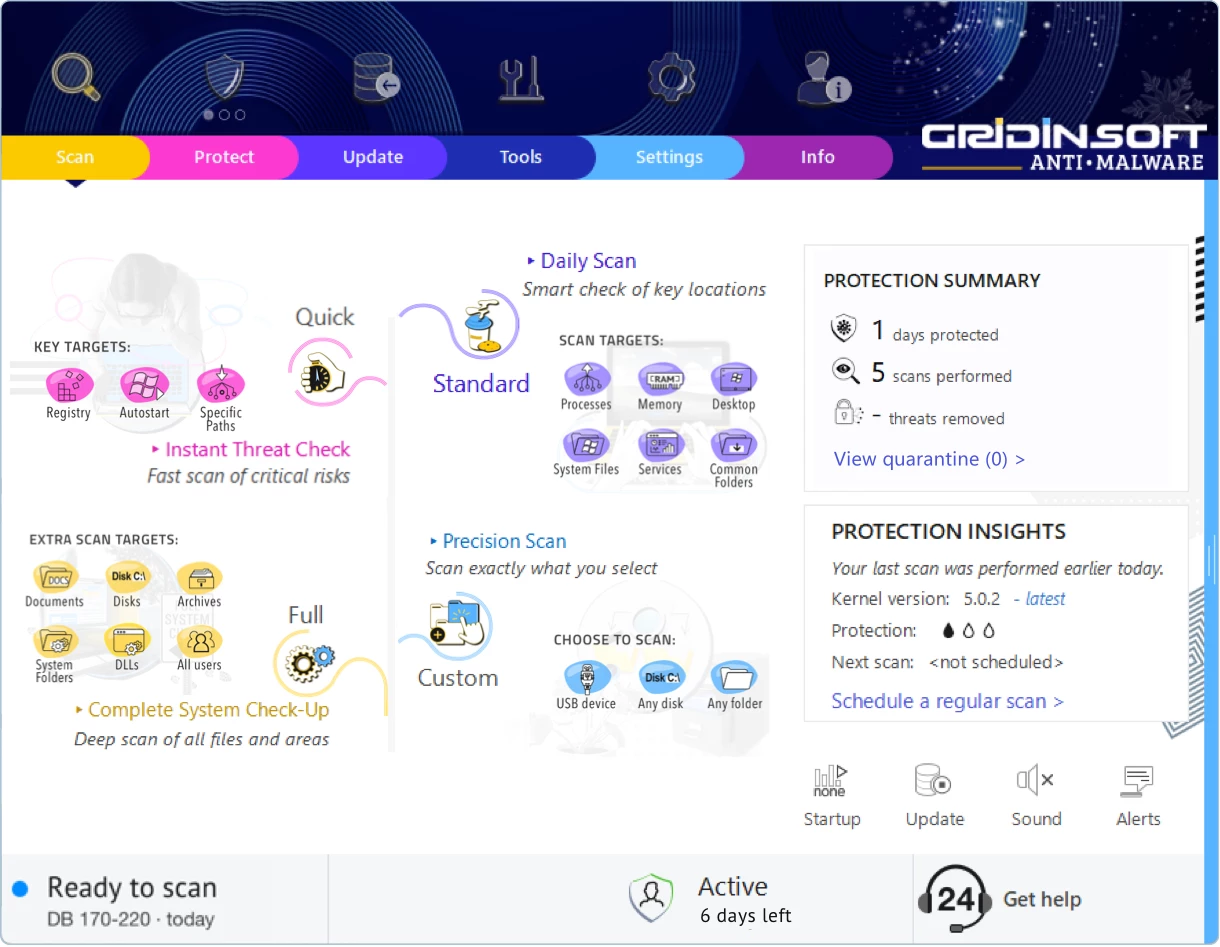
GridinSoft positions Anti-Malware as a Windows malware removal and protection app. The official page says it detects and removes viruses, ransomware, spyware, adware, trojans and other active threats using signature databases, heuristic analysis and AI-assisted detection. It also says the product is lightweight, works alongside Microsoft Defender and includes real-time protection, quarantine and flexible scan modes.
That makes GridinSoft easier to understand than many modern security suites. It is not trying to be a password manager, VPN, identity service and parental-control bundle all at once. It is mostly a Windows cleanup tool with protection layers. For Adware Guru readers, that is useful because many visits start with a concrete symptom: pop-ups, redirects, fake warnings, browser notifications, unknown extensions, suspicious startup entries or a downloaded installer that brought extra software.
Malwarebytes in 2026
Malwarebytes is now a broader product family. Its Standard plan includes Premium Security and Browser Guard. The Premium Security page lists protection against viruses, phishing, exploits, ransomware, trojans, botnets, spyware and more, plus Windows, Mac, Android and iOS coverage. Browser Guard adds in-browser scam and web protection, ad and tracking blocking and data breach notifications.
The higher Malwarebytes plans go beyond classic anti-malware. The pricing page describes Standard as device security with antivirus, anti-malware and browser protection. Plus adds VPN. Ultimate adds identity protection and a personal data remover, with feature availability depending on operating system and country. That is a different buying decision from GridinSoft: you are no longer comparing only two malware scanners, but a focused Windows remover against a larger digital-protection subscription.
Malware removal and cleanup
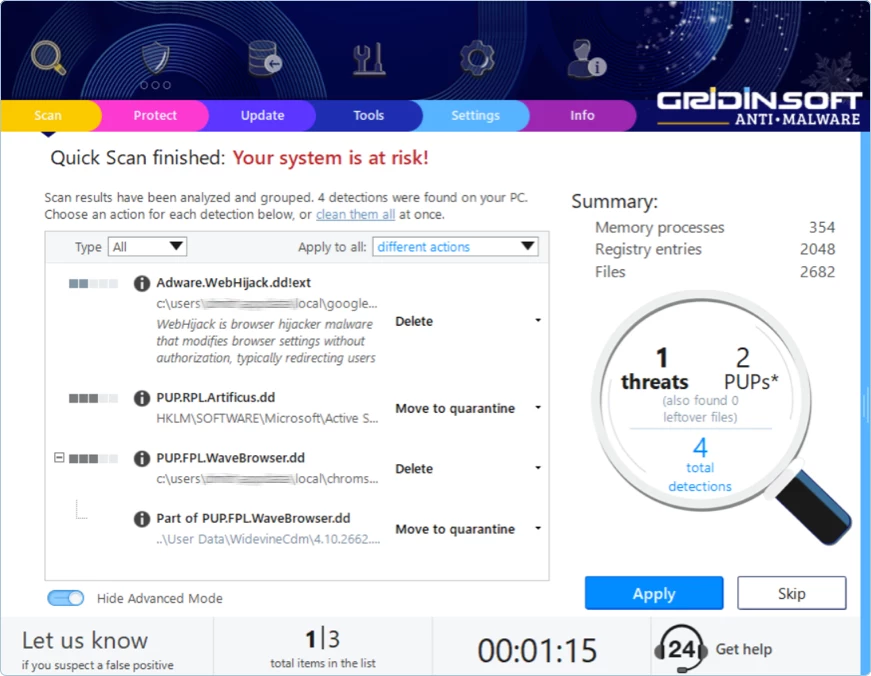
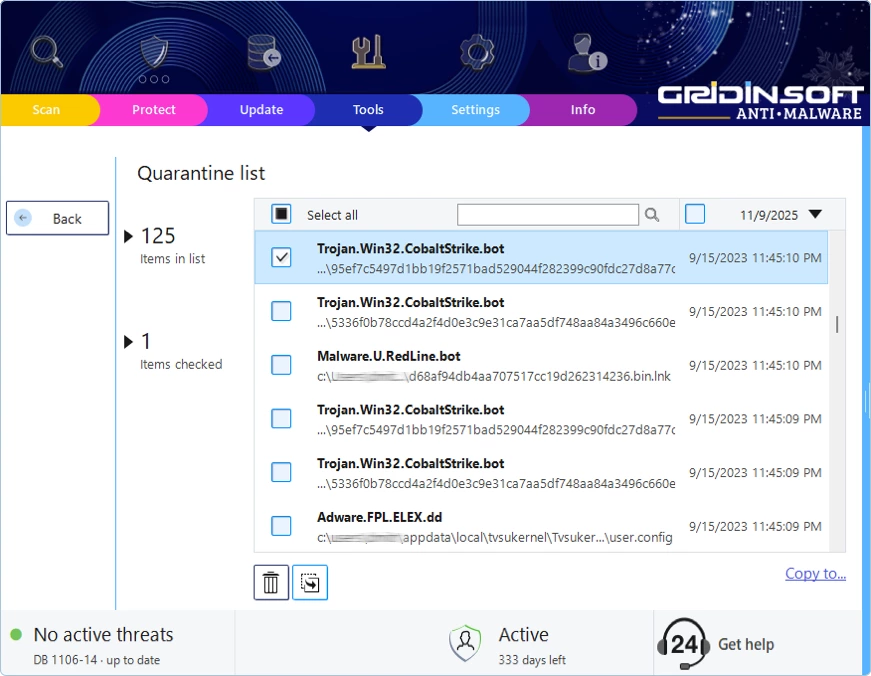
For a messy Windows infection, GridinSoft has the more direct cleanup feel. Scan results are built around threat names, locations, threat levels and recommended actions. The quarantine workflow is important because it gives users a safer first move than permanent deletion. The product also includes browser reset tools, which matters for adware and hijacker cases where the visible symptom is often inside Chrome, Edge or Firefox rather than in a scary executable name.
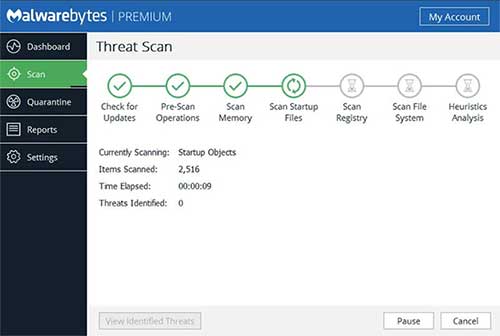
Malwarebytes is also strong at cleanup, especially as an on-demand scanner or paid real-time product. The difference is packaging. Malwarebytes Free is described by Malwarebytes as a cleanup tool for attacks that have already damaged a device, while Premium Security is the product that stops attacks in real time. That distinction matters: if you install only the free scanner, you are not buying ongoing protection.
Real-time protection
Both products can provide real-time protection in their paid/trial forms. GridinSoft emphasizes multiple layers such as internet security, access control and on-run protection. The practical advantage is that it can work beside Microsoft Defender, which is helpful for users who do not want to replace the entire Windows security model.
Malwarebytes Premium Security is closer to a full antivirus replacement or suite component. Malwarebytes says it prevents threats in real time, stops ransomware, defends against harmful sites and removes malware. That is the stronger fit if you want one recognizable security brand across a laptop, phone and tablet. On Windows, check the Windows Security status after installing any real-time antivirus so you know which provider is currently active.
Adware, browser hijackers and PUPs
This is where GridinSoft makes a lot of sense for Adware Guru readers. The tool is very comfortable with the kind of gray-area software that shows pop-ups, changes search settings, adds browser extensions, creates scheduled tasks or installs fake optimizers. Those problems are not always treated with the same urgency as classic viruses, but users still need them gone.
Malwarebytes handles potentially unwanted programs too, and Browser Guard can block scam pages, malicious content, ads and trackers before they become a download. If the issue starts in the browser, Malwarebytes Browser Guard is a real advantage. If the unwanted program is already installed and has changed Windows/browser settings, GridinSoft’s cleanup-first workflow may feel more focused.
Quarantine and false positives
No anti-malware product is perfect. A good product must make it easy to review a detection, quarantine it, restore it if necessary and report false positives. GridinSoft’s help center has sections for detections, quarantine, false positives, compatibility, privacy, web protection, scans and troubleshooting. That is a good sign because cleanup software needs documentation after the scan, not only a download button before the scan.
My recommendation is the same for both tools: quarantine first when you are not sure. Delete only when the detection is clearly malicious or unwanted. Be careful with business software folders, driver tools, game mods, cracked installers and security tools, because packed or unusual files can trigger warnings that require human judgment.
Pricing and licensing
Do not compare these products only by the number on a checkout page. GridinSoft offers a 6-day full trial with cleanup and plans such as Standard, Family and Extended. Its official page describes Standard as covering one business PC or two home PCs, Family as up to three home PCs and Extended as up to five home PCs. Prices and discounts change, so verify the checkout before buying.
Malwarebytes uses Standard, Plus and Ultimate personal plans. Standard is device security with antivirus, anti-malware and browser protection. Plus adds VPN. Ultimate adds identity protection and personal data remover features. Malwarebytes also states that all plans include free customer support and a 60-day money-back guarantee. This makes Malwarebytes more flexible if you actually need those extras, but it also means you may pay for services that a simple infected Windows PC does not need.
Performance and system fit
GridinSoft is Windows-focused and designed to be lightweight. It is the cleaner fit for a Windows user who wants a second layer beside Microsoft Defender and does not care about Mac, Android, iOS, VPN or identity monitoring.
Malwarebytes supports more device types in its consumer plans, but Windows requirements still matter. Malwarebytes for Windows v4 lists Windows 11, Windows 10, Windows 8.1, Windows 8 and Windows 7 SP1, with CPU, RAM, disk space and internet requirements. If you are securing an older family PC, check the current requirements before buying either product.
Which one should you choose?
Choose GridinSoft Anti-Malware if the PC is already acting infected, the main machine is Windows, the symptoms look like adware or a hijacker, and you want to scan, quarantine, clean and reset browser damage without buying a large suite. It is also the better fit if you want to keep Microsoft Defender and add a focused cleanup/protection layer.
Choose Malwarebytes if you want protection across Windows, Mac, Android or iOS, you value Browser Guard, or you want a plan that can include VPN and identity protection. It is the better fit for users who want one subscription for several device types and prefer a known mainstream brand with a larger product ecosystem.
Final verdict
GridinSoft Anti-Malware vs Malwarebytes is not a simple “good vs bad” comparison. GridinSoft is more focused. Malwarebytes is broader. If your problem is a dirty Windows PC, GridinSoft is the cleaner recommendation. If your problem is protecting several devices and adding browser/privacy/identity layers, Malwarebytes makes more sense.
My practical choice for Adware Guru readers is this: use GridinSoft when you need Windows malware cleanup today, especially for adware, browser hijackers, trojans, spyware and unwanted programs. Use Malwarebytes when the goal is ongoing family or multi-device security with browser protection and optional VPN or identity tools.
FAQ
Can I use GridinSoft and Malwarebytes together?
You can use one as an on-demand second-opinion scanner, but do not run several deep scans at the same time. If both products have real-time protection enabled, watch for slowdowns and Windows Security provider changes.
Is Malwarebytes Free enough?
Malwarebytes Free is useful for cleanup after something has already happened. For ongoing real-time protection, Malwarebytes points users to Premium Security or paid plans.
Is GridinSoft only for Windows?
GridinSoft Anti-Malware is Windows-focused. That is part of its appeal if the affected machine is a Windows PC, but it is not a multi-platform suite like Malwarebytes.
Which one is better for browser hijackers?
For already-installed hijackers and adware, GridinSoft has a very direct cleanup workflow. For preventing malicious or scam pages in the browser, Malwarebytes Browser Guard is a useful extra layer.